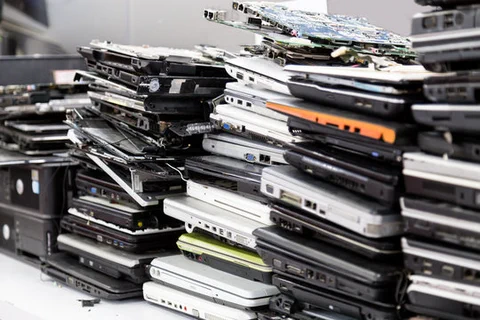
Many offices have a designated place for old laptops. A closet, a back room, or a shelf in a basement where they sit untouched for years. Others get handed to a family member, sold online, dropped at the dump, or donated to a good cause.
It feels like the end of the story. That may be the case for you and your laptop, but not for your business data. That old laptop may still hold years of client records, saved passwords, access to email, and other sensitive information. Wherever that laptop ends up, that information goes with it.
So where do your old laptops actually go? And what should happen before you get rid of them?
More than most people expect. Even a computer that hasn’t been turned on in a couple of years may still contain:
To a criminal, an old business laptop isn’t junk. It’s like finding a filing cabinet with no lock.
Dragging files to the Recycle Bin and emptying it feels final, but it usually isn’t. On most drives, deleting a file just tells the computer that space is free to reuse. The data itself often stays put until something new is written over it, and free recovery tools can bring a surprising amount of it back.
Properly retiring a device means one of three things: securely wiping the drive with tools built for the job, using the drive’s built-in encryption so the data is unreadable without the key, or physically destroying the device. Which one is right depends on the device and what was stored on it.
Before any computer leaves your business, run through these steps:
The best time to plan for this is before you need it. A short, written policy for retiring devices keeps everyone on the same page, especially when an employee leaves or a new batch of computers arrives.
That closet full of old laptops doesn’t have to be a worry. Our team securely wipes and disposes of devices for clients, so your old hardware leaves your office without taking your data with it. Interested in learning more? Visit our website or give us a call today at 802-489-6948!
